


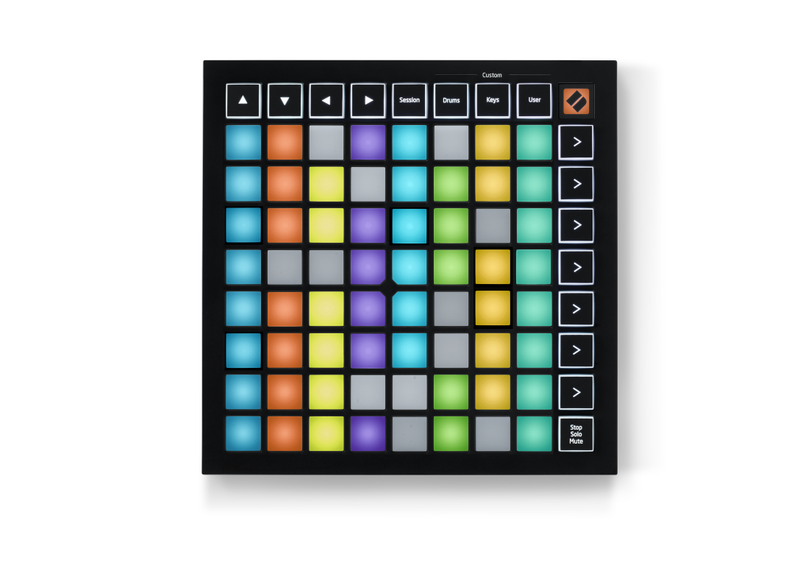
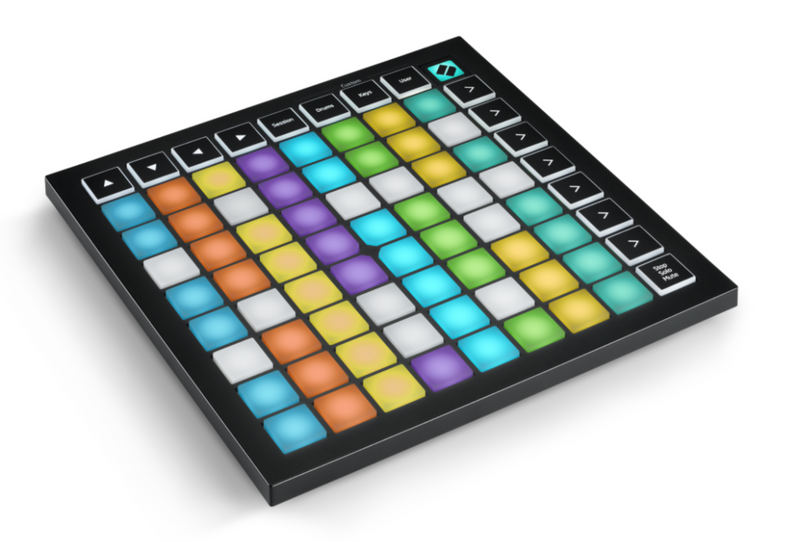
The Launchpad Mini, Novation's most compact and portable 64-pad MIDI grid controller, gives you everything you need to start performing in Ableton Live. Start creating and performing tracks with Ableton Live wherever you are, using the huge array of sounds in the box to get you started.
The 64 large RGB pads give you a perfect reflection of your Ableton Live session, making it easier than ever to see your clips.
Ableton Live Integration: Quickly trigger your clips and scenes at the press of a button. Stop, solo and mute controls make controlling your performance easier and more tactile, with no mouse required.
Four Custom Modes: Use Novation Components to customize mappings and easily control anything MIDI from the Launchpad Mini.
Small and light: The Launchpad Mini’s slim, lightweight design means it will fit into any setup, anywhere.
Easy Start: Use Novation’s online Easy Start tool to get all the software you need, and step-by-step video guides to get you set up with Live and making music in minutes.
Box Contents
– Launchpad Mini MK3
– USB-C to USB-A cable
Specifications
Hardware:
• 64 pads
• 16 buttons
• 81 RGB LEDs
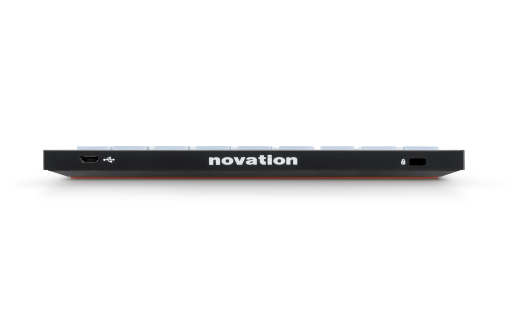
• USB-C socket
• Kensington MiniSaver slot
Power: USB bus powered
Dimensions (W x D x H): 180 x 180 x 14.2 mm
Included Software:
• Ableton Live Lite: quickly organize and arrange your sounds and start making tracks with this industry-standard electronic music creation software.
• AAS Session Bundle: three synths for music makers, providing foundational sounds for your tracks.
• XLN Addictive Keys: access one of four virtual keyboards when you register your first Novation hardware.
• Klevgrand R0Verb and DAW Cassette: high-quality reverb and tape deck emulation plug-ins, to help you add some space or take your sound back to the golden age of cassettes.
• Softube Time and Tone bundle: made up of four of Softube’s world-class plug-ins: reverb, echo, an easy-to-use mastering tool and distortion.
Software Compatibility:
Ableton Live 10 Lite is included.
If you already have Ableton Live, it must be version 10 or greater to work with the Launchpad Mini. It is recommended that you update to the latest version, as previous versions of Ableton Live do not include Launchpad Mini integration for InControl. The Launchpad Mini will also work as a standard MIDI controller.
Launchpad Mini MK3 and Live Loops in Logic Pro X
Live Loops brings cell-based loop playback and performance to Logic Pro X for the first time. With the Launchpad Mini MK3 as a Live Loops controller, use cells to quickly sketch out arrangement ideas and record your performances. Setup is automatic: just select your Launchpad in Logic's Control Surface setup, then rotate the device 90 degrees to view the Live Loops grid. (Logic Pro X 10.5 or higher is required.)