


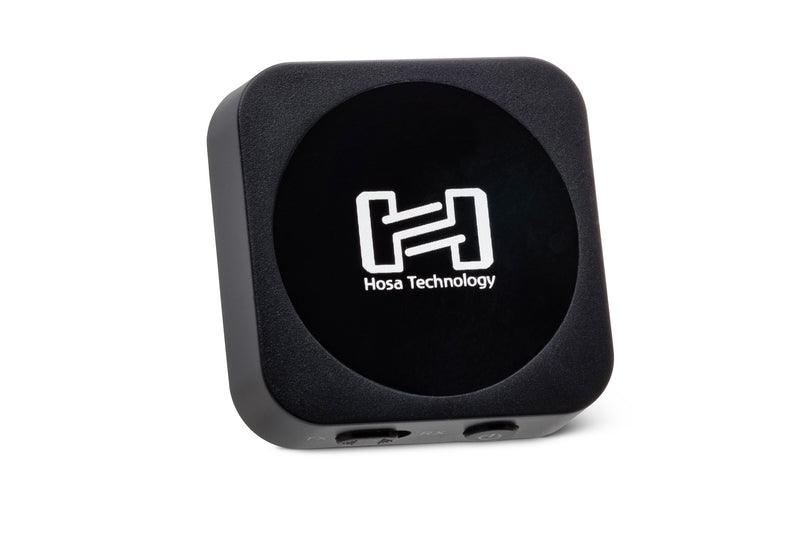
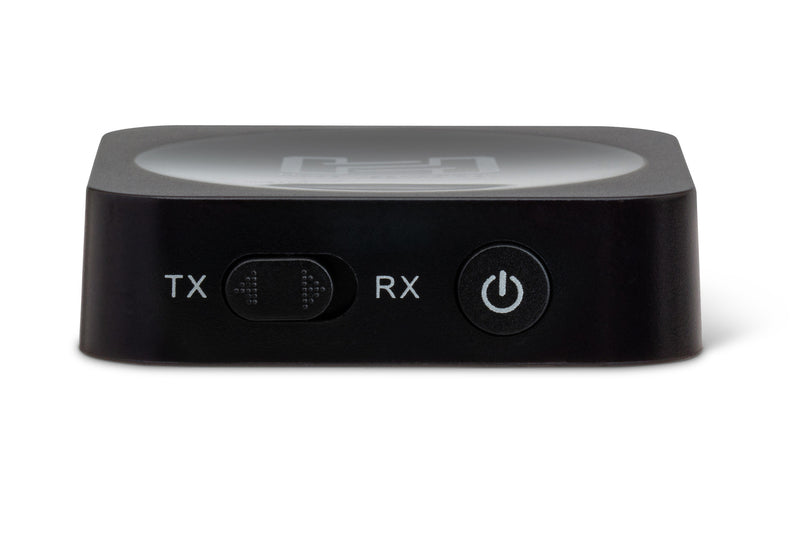
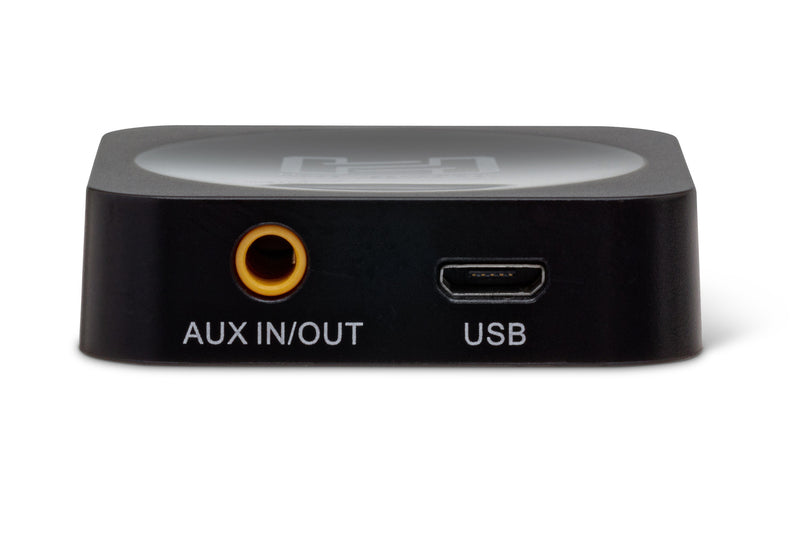
The Hosa Drive Bluetooth® Audio Interface is ideal for listening to your music wherever you go. Versatile, it is designed to add wireless functionality to an analog mixing console, a turntable, or any other device not equipped with Bluetooth technology. Features:
• Use as a transmitter or receiver depending on your needs
• Quick pairing for simplified device setup
• Up to 8 hours of listening in TX mode
Happy
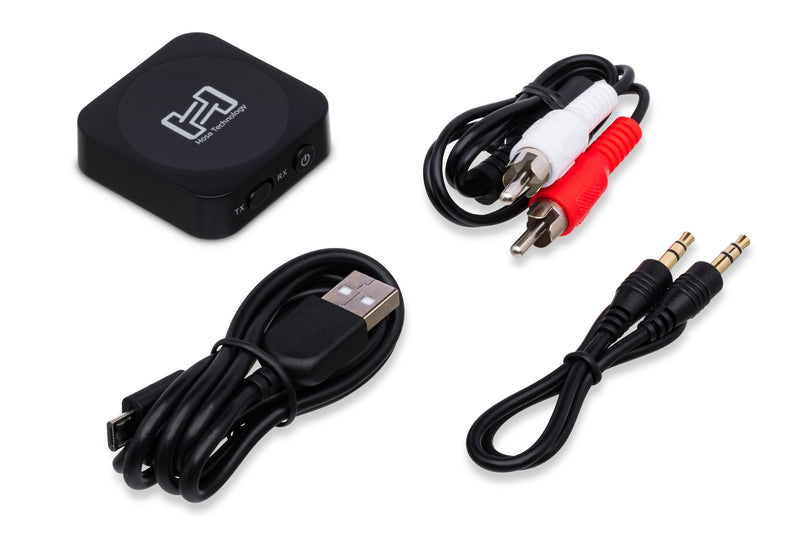
Bluetooth Interface
Stereo interconnect, molded 3.5 mm TRS to 3.5 mm
Dual RCA splitter
USB cable
Connector 1: 3.5 mm TRS (audio)
Connector 2: USB (charging only)
Downloads:
Drive Bluetooth Interface Manual
IBT-402 Specifications
What is a Bluetooth audio transmitter/receiver?
A Bluetooth audio transmitter/receiver transmits sound from a source to a connected Bluetooth device, such as wireless headphones. The Bluetooth device receiving the sound is equipped with a Bluetooth receiver that decodes it into audio.
The Hosa Bluetooth audio transmitter/receiver can also receive audio transmissions by pairing it with speakers to play songs from your phone or computer.
How to use a Bluetooth audio transmitter/receiver?
Setting up the Bluetooth audio transmitter
To use your Bluetooth audio transmitter/receiver as a transmitter, start by fully charging your device. Once charged, turn it on by holding the multifunction button for three seconds. The blue light will flash once turned on.
Select TX using the mode switch. Connect one end of the audio cable to the transmitter and the other end to the audio output of a source.
Next, activate pairing mode by holding the multifunction button until the red and blue lights alternate. Set your receiving Bluetooth device (e.g., wireless headphones) to pairing mode and keep them close until pairing is successful.
Note that sound can be sent to two Bluetooth receivers simultaneously by long-pressing the multifunction button and restarting pairing.
Setting up the Bluetooth audio receiver
To activate receiver mode, turn on your Bluetooth audio transmitter/receiver by holding the multifunction button for three seconds. The blue light will flash once turned on.
Select RX using the mode switch. Connect one end of the audio cable to the receiver and the other end to the destination device.
Next, activate pairing mode by holding the multifunction button until the red and blue lights alternate. Activate pairing mode on your source device and keep the devices close to each other until pairing is successful.
Press the multifunction button briefly to play or pause the current song.
Benefits of the Bluetooth audio transmitter/receiver
The Hosa Bluetooth audio transmitter/receiver offers many benefits, including:
Dual-function technology: Bluetooth audio transmission or reception
Multi-device pairing: Connecting two devices as audio sources or destinations
Battery life: Up to eight hours of audio transmission
Transmission range: Up to 10 m
High-quality sound: Exceptional volume and audio quality
Why a Bluetooth audio transmitter/receiver?
Bluetooth audio transmitters and receivers are essential for anyone who owns devices that do not automatically connect to Bluetooth. They allow connection to non-Bluetooth compatible devices, such as an in-flight entertainment system or older televisions.
Bluetooth audio transmitter/receiver specifications
In transmitter mode, sound can be sent simultaneously to two Bluetooth receivers by long-pressing the multifunction button and restarting pairing.
When receiver mode is enabled, it is possible to add a second transmitter device by double-pressing the multifunction button and pairing them. The receiver will play the sound from the device currently transmitting.