


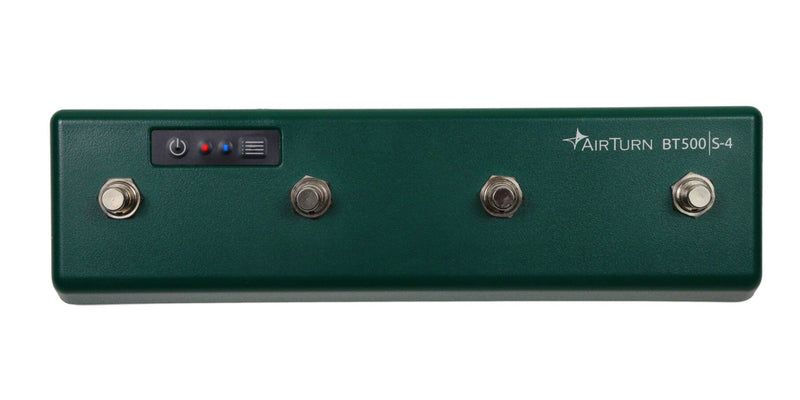
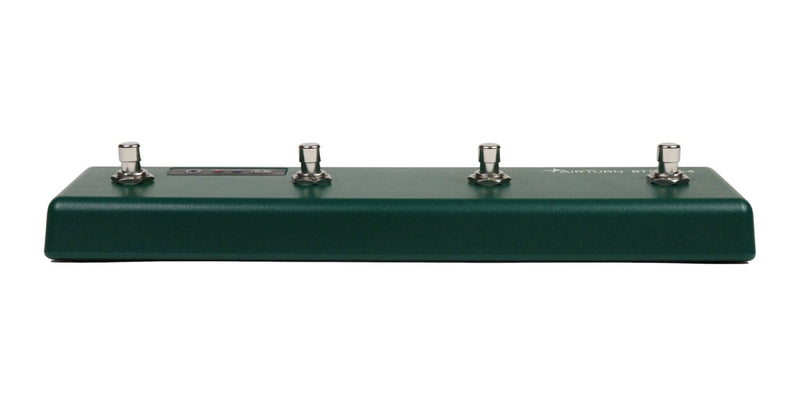
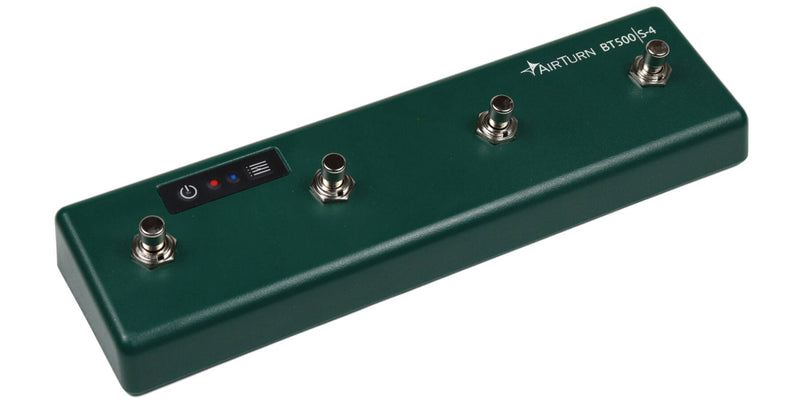
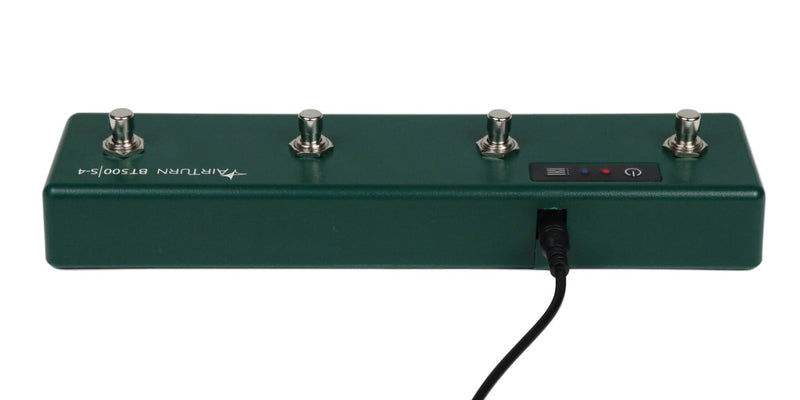
"Pedal"-style footswitch controller that integrates easily into your pedalboard. Get four switches for more control options! Featuring a durable "pedal" style and silent steel switches, the AirTurn BT500S-4 integrates easily into a pedalboard and is powered by a rechargeable battery or optional 9V power supply.
The best Bluetooth pedal for stage performances
The AirTurn BT500S series combines the features and performance of the classic BT200 series. It was created with the look and feel of a traditional pedal with an optional 9V power supply, making it easy to add to your existing pedalboard. It is built with industrial-grade steel switches and housed in a virtually indestructible polymer blend that does not interfere with the radio signal and resists the wear and tear of the road. With the ability to customize computer keyboard and MIDI commands, it’s the perfect app control unit for guitarists, bassists, keyboardists, DJs, sound engineers, and many more!
Custom hands-free editing and recording for DAWs
Thanks to the free AirTurn Manager app, you can easily assign your favorite shortcuts for hands-free recording and editing control. Arm tracks, start/stop recording and playback, toggle the metronome, undo actions, solo/mute tracks, and anything else your computer keyboard can do!
Wireless foot control unit for DMX lighting and Bluetooth MIDI
Control DMX lighting fixtures with MIDI commands. Assign a MIDI note or CC command to a parameter in your lighting software, and assign the same MIDI note or CC command to your pedal in the free AirTurn Manager app. Now, thanks to a Bluetooth connection, you can quickly change your lighting.
Universal footswitch for keyboard shortcuts and macros
Keyboard shortcuts can be convenient and offer improvements in speed and performance if you have the extra fingers needed. Now, you can keep your hands focused on your task and execute these commands with your foot. Use the AirTurn Manager app to easily program your favorite shortcuts or hotkeys for Word, Excel, PC games, DAWs, and much more. It is available for Mac, iOS, and Android in the Apple App Store or Google Play Store. Note that for a PC, you will first need to connect to your phone or tablet to change the settings.
Macros are useful when you need to repeat a phrase of text, place a line of code, or execute a series of commands at once. These lines of text, code, or commands can be turned into a macro. Then, it can be assigned to a switch. Now, you can use your foot for these repetitive actions!
Description
• Trigger sound, lighting, and effects
• Start and stop backing tracks and metronomes
• Send custom MIDI and DAW commands
• Turn pages, read music, scroll through lyrics and tabs
• Record videos, take photos, and much more!